Claude with kit 1.0.0
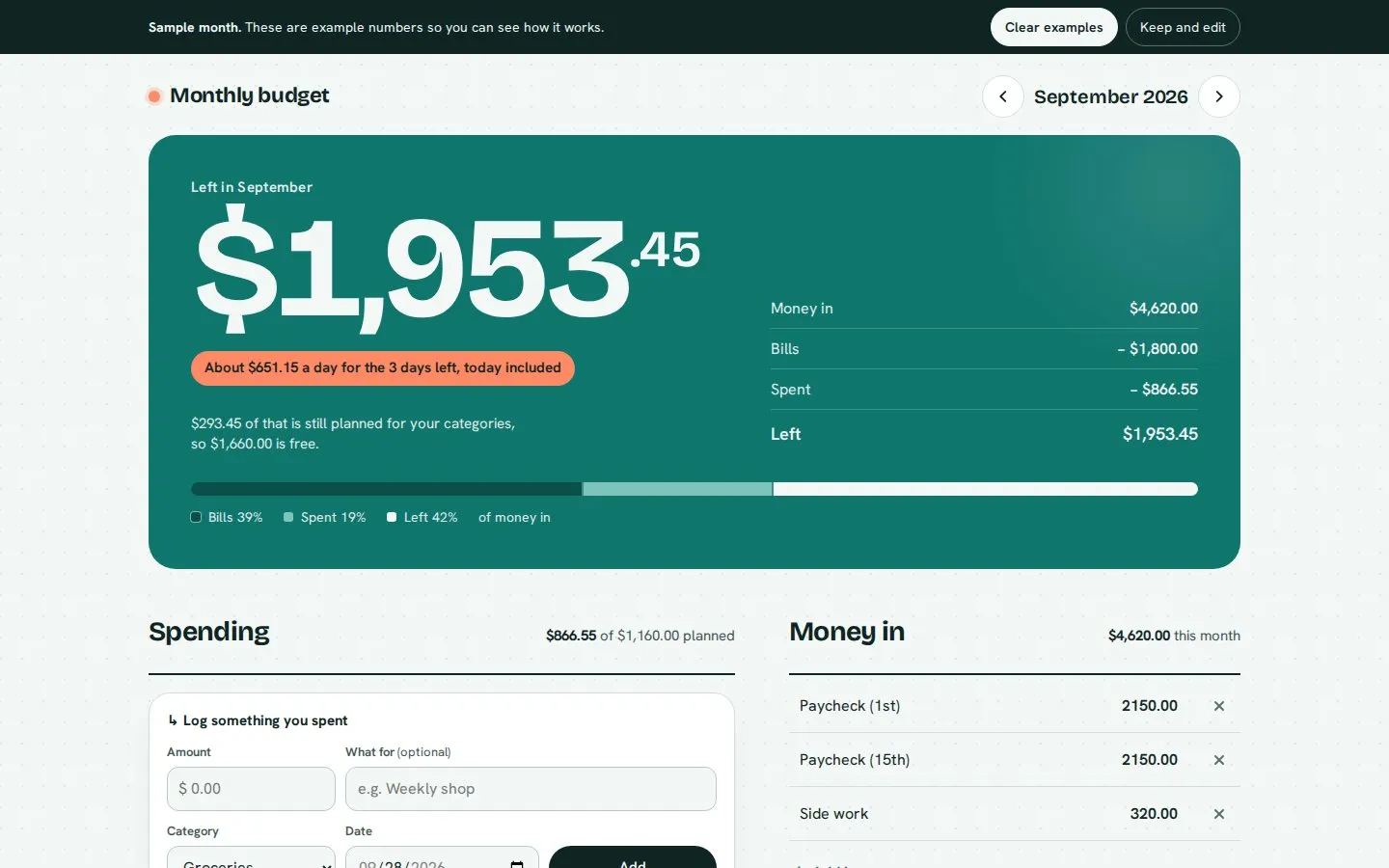
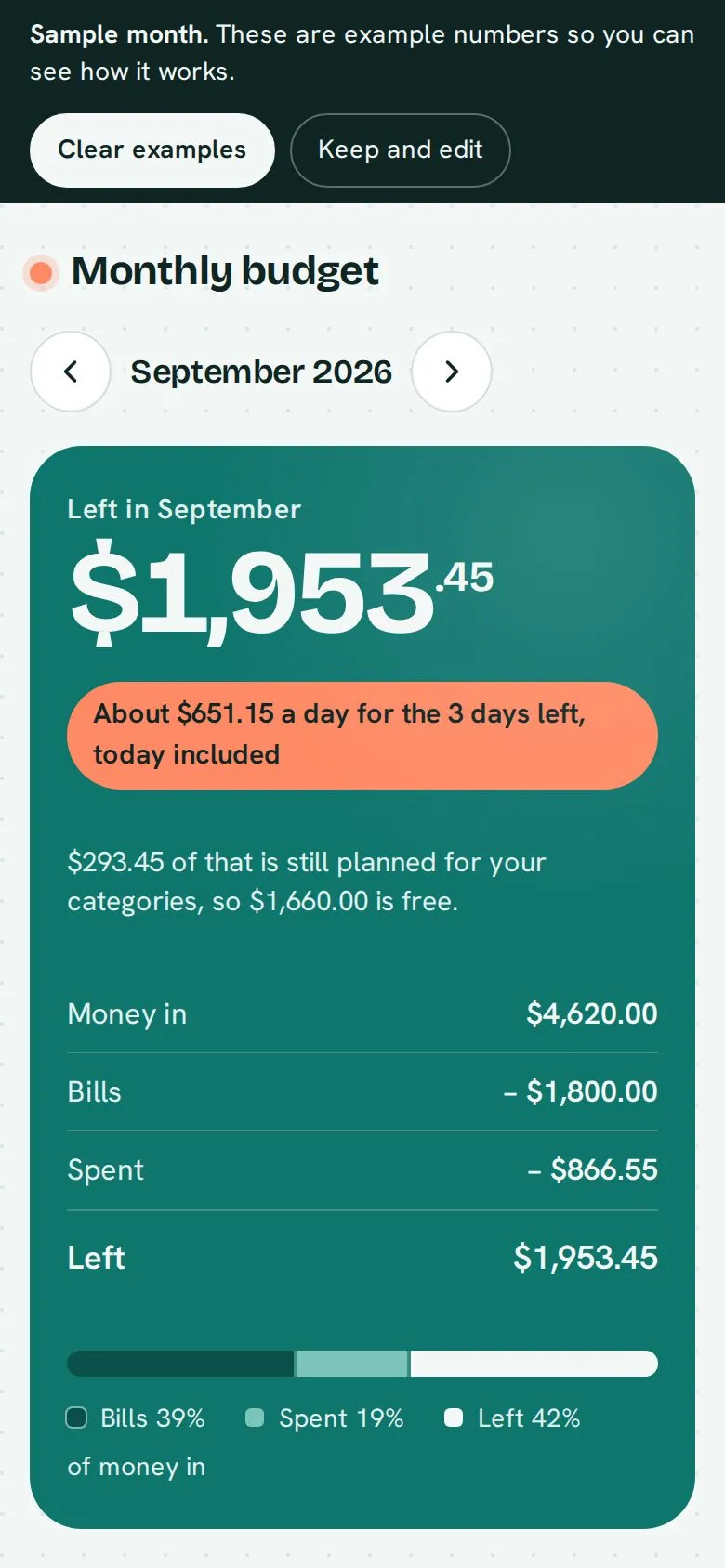
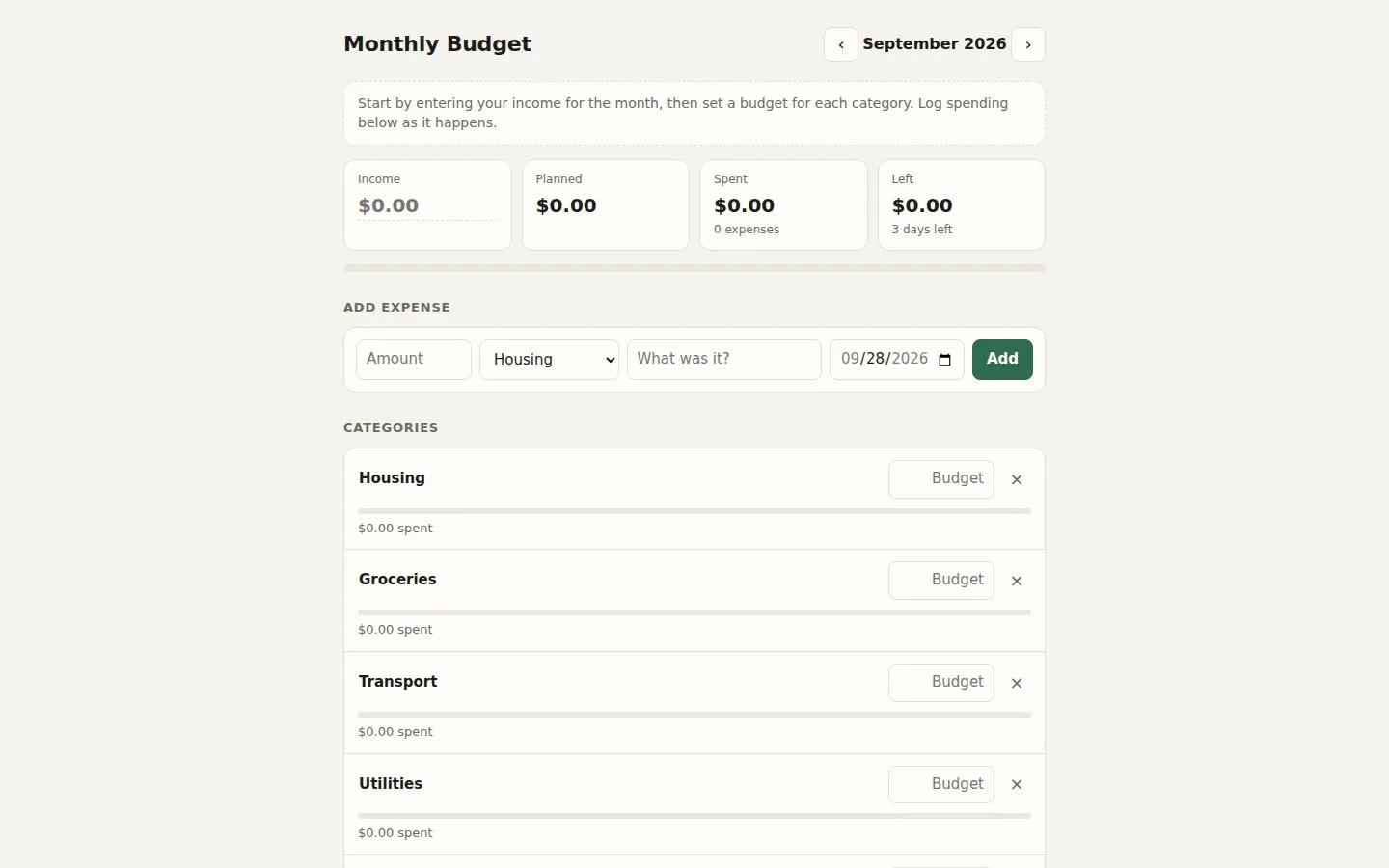
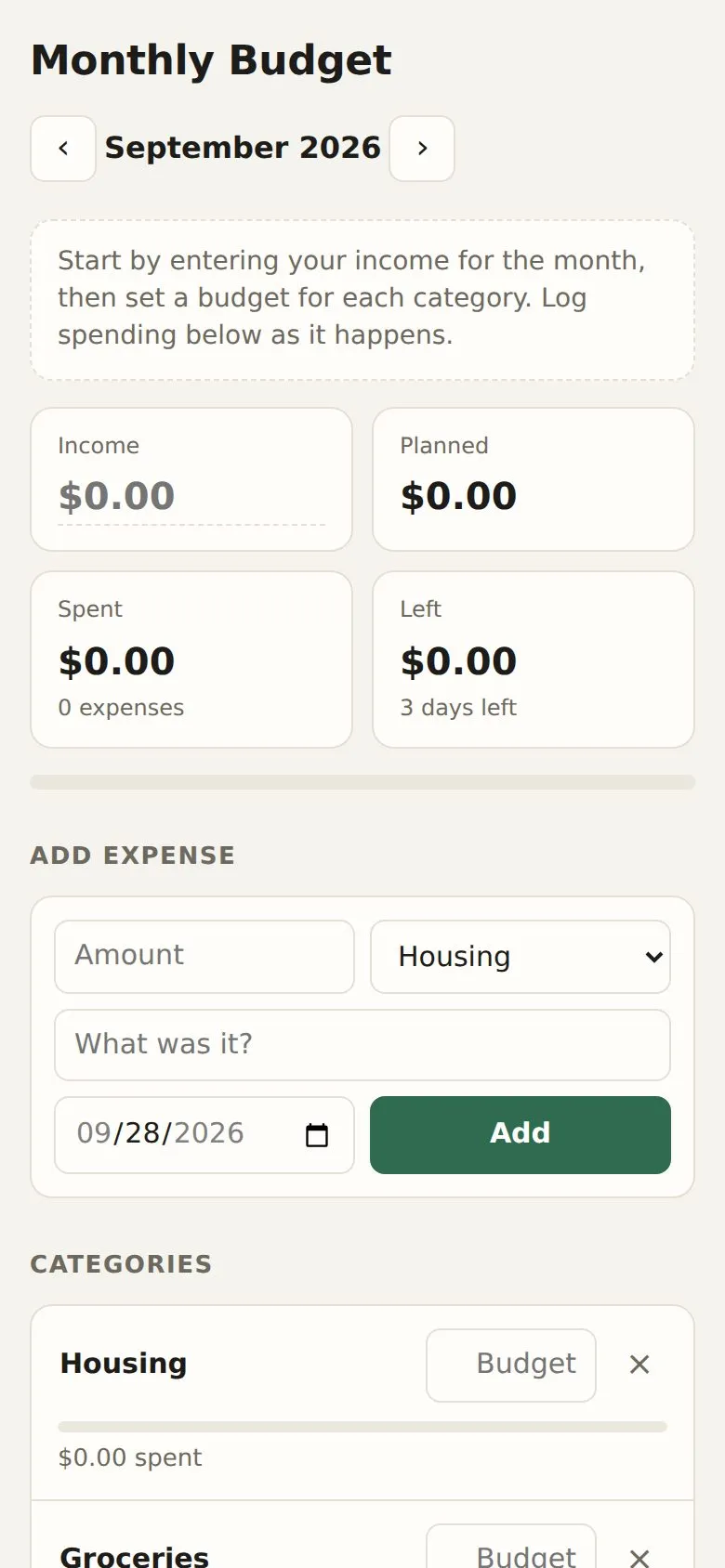
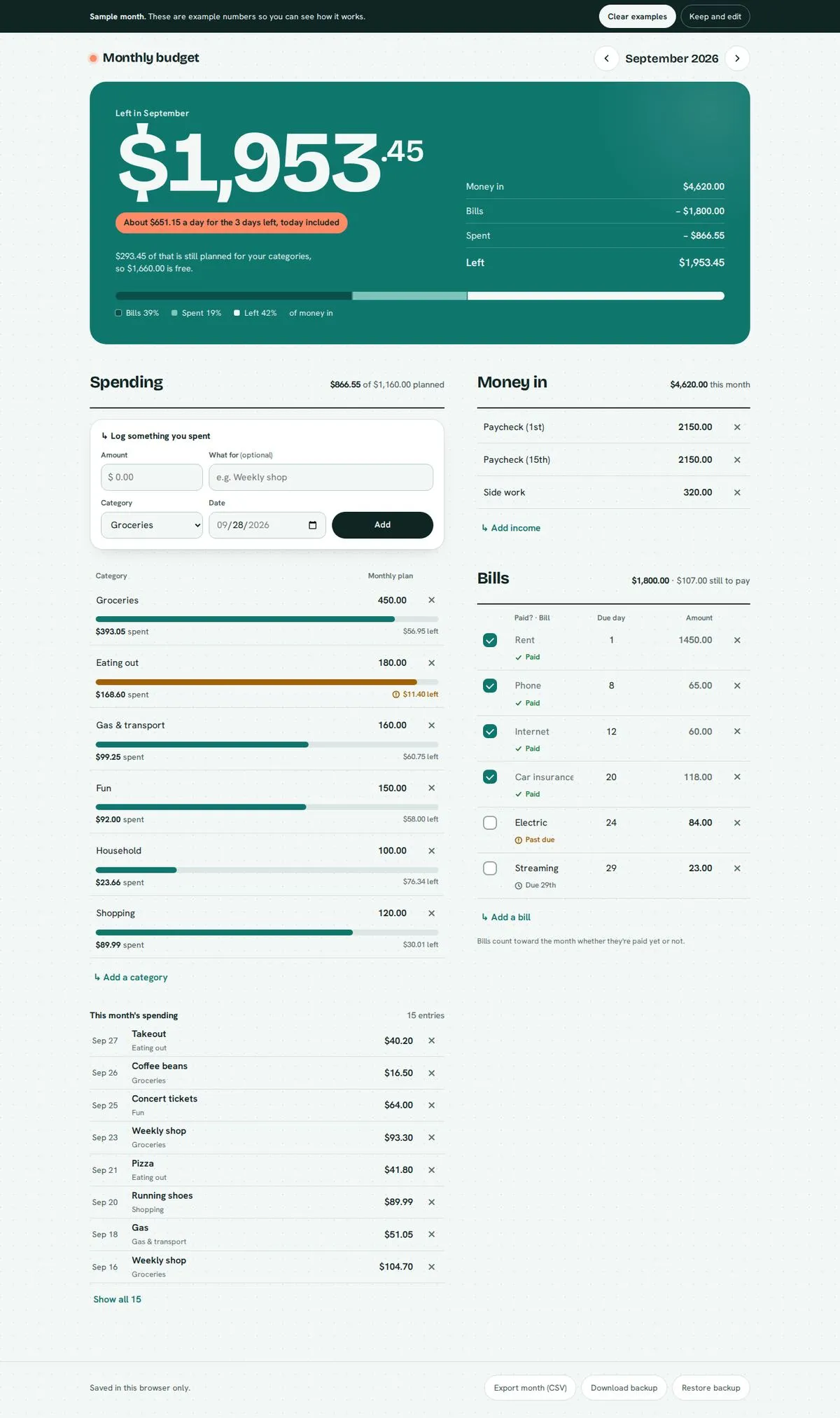
Screenshots show the first screen. Try it live runs the real build right here: scroll it, click it, poke it.
The prompt
“make me a simple monthly budget tracker”
With the kit, it asked a few questions first. The answers: "No preference on the look. Income, bills, spending categories, and what's left. Dollars." Without the kit it asked nothing and went on the prompt alone.
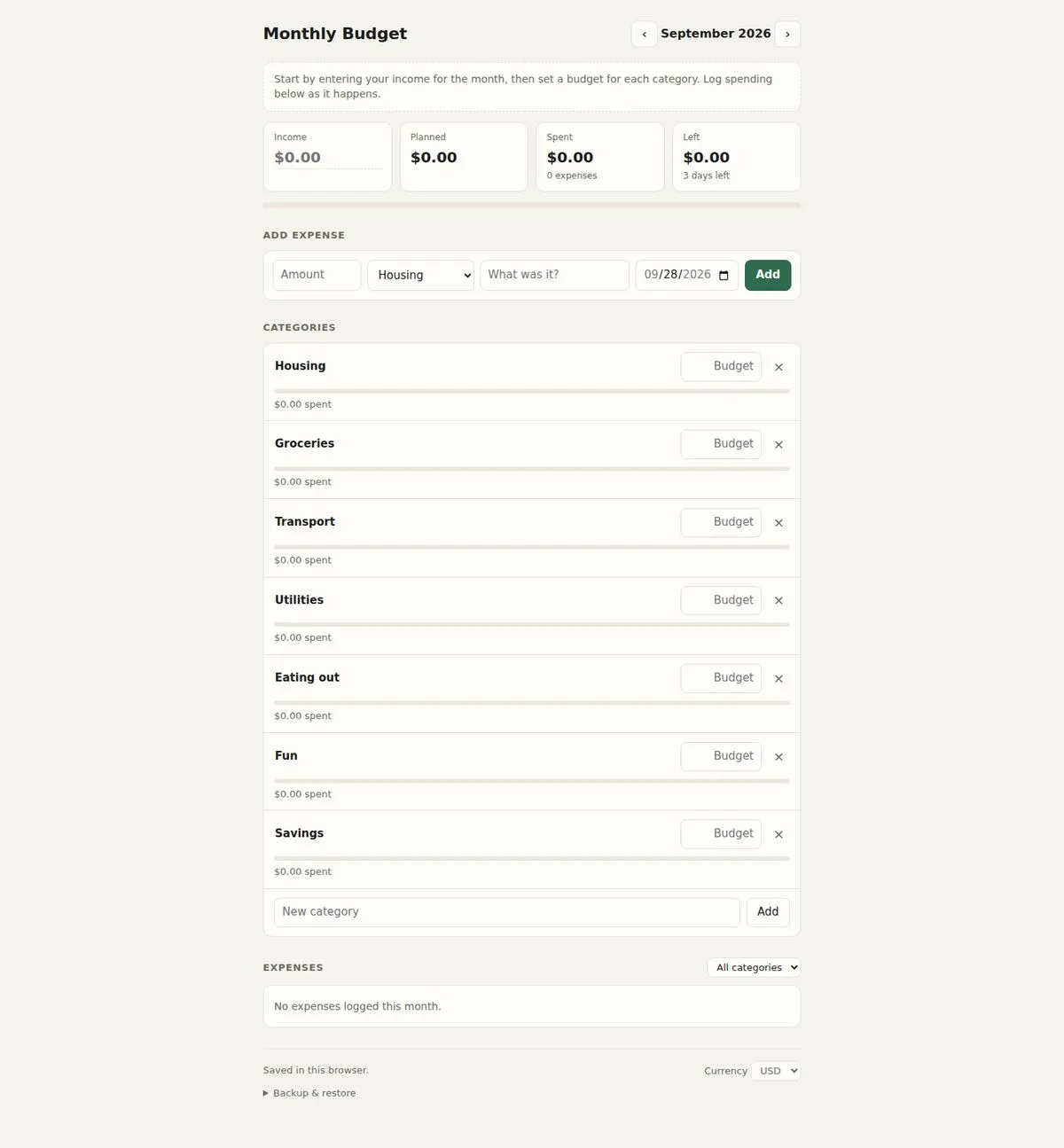
same prompt, no kit
Nothing made up and nothing broken. The difference here is the design, so flip the toggle above and compare.
With the kit: nothing invented. Anything the prompt didn't give is marked as a gap to fill in.
the kit build’s own handover note
Your monthly budget tracker is ready. It’s one file that works offline and saves your numbers in your browser. I tested it at desktop and phone sizes, with animations both on and off.
How it works:
- What’s left: a big number at the top. Under it is how it adds up (money in − bills − spent = left) and one bar showing that split.
- For the current month it also shows about how much you can spend per day for the rest of the month.
- It shows how much of what’s left you’ve already planned for your categories, and how much is free.
- Money in and Bills: you can edit names and amounts right in the row, and add or remove rows.
- Bills have a due day and a “paid” checkbox, and are labeled Paid, Due, or Past due.
- Every bill counts toward the month whether it’s paid yet or not.
- Spending: log what you spent in one short form (amount, what for, category, date). Each category has a monthly plan and a progress bar.
- A category shows how much is left in it, “almost at plan” when it’s close, or “over by $X” when you’ve gone past. Each state has an icon and label, so it doesn’t rely on colour alone.
- Below that is a list of the month’s spending that you can delete from.
- Months: there are previous and next arrows to switch months. A new month can copy the previous month’s income, bills and category plans with one click. Spending isn’t copied, and bills start unpaid.
- On a phone: a slim “what’s left” bar stays pinned to the bottom and hides while the big number is on screen.
- Backup: you can export a month as a spreadsheet (CSV), and download or restore a backup of everything.
- Type
- Tool / app
- Tone
- Calm & premium · Practical
- Field
- Personal finance
- Built in
- Claude
- Kit version
- 1.0.0
- Compared with
- Plain Claude, no skills, same prompt
Scroll it The whole page, top to bottom