Claude with kit 1.1.0
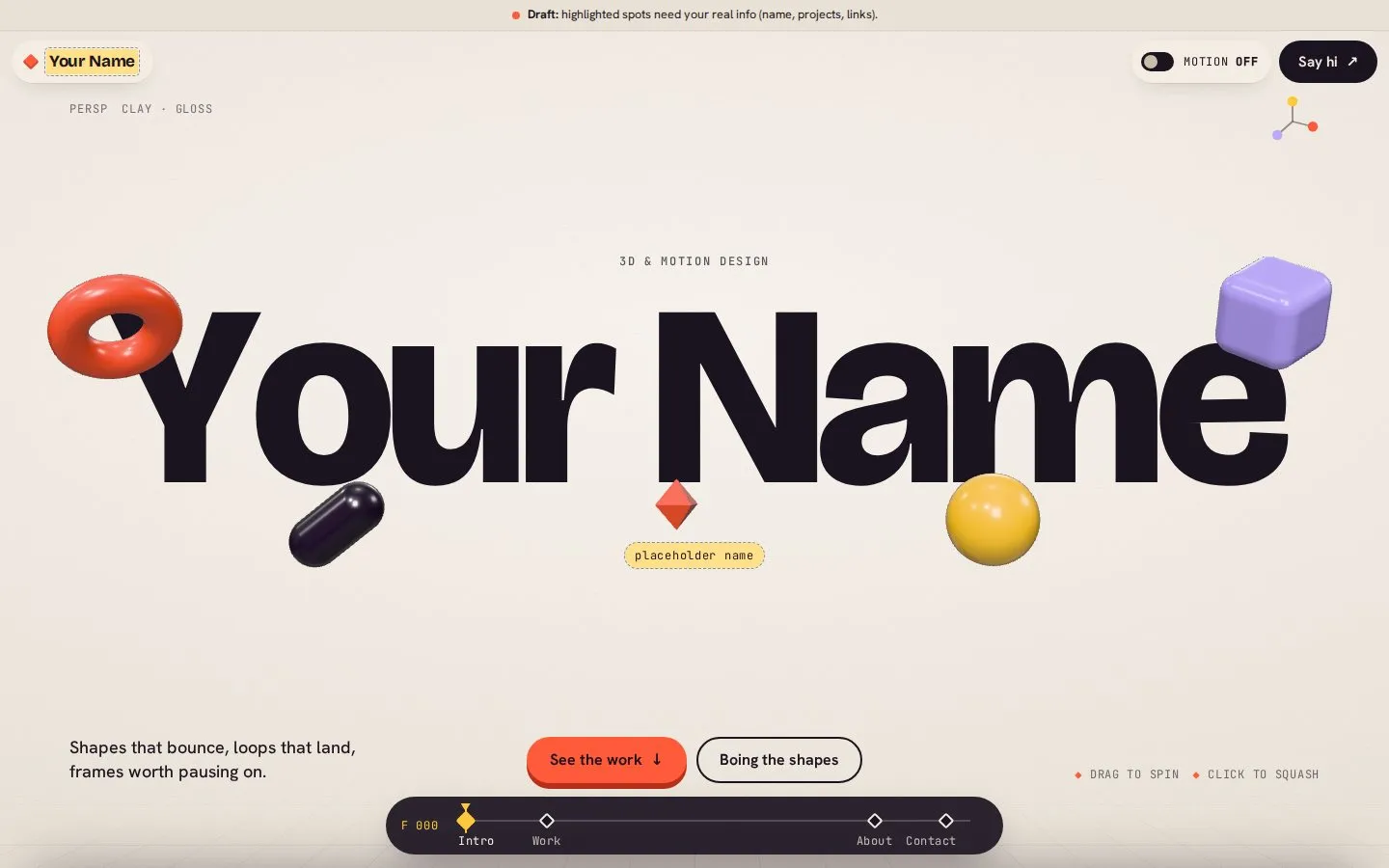
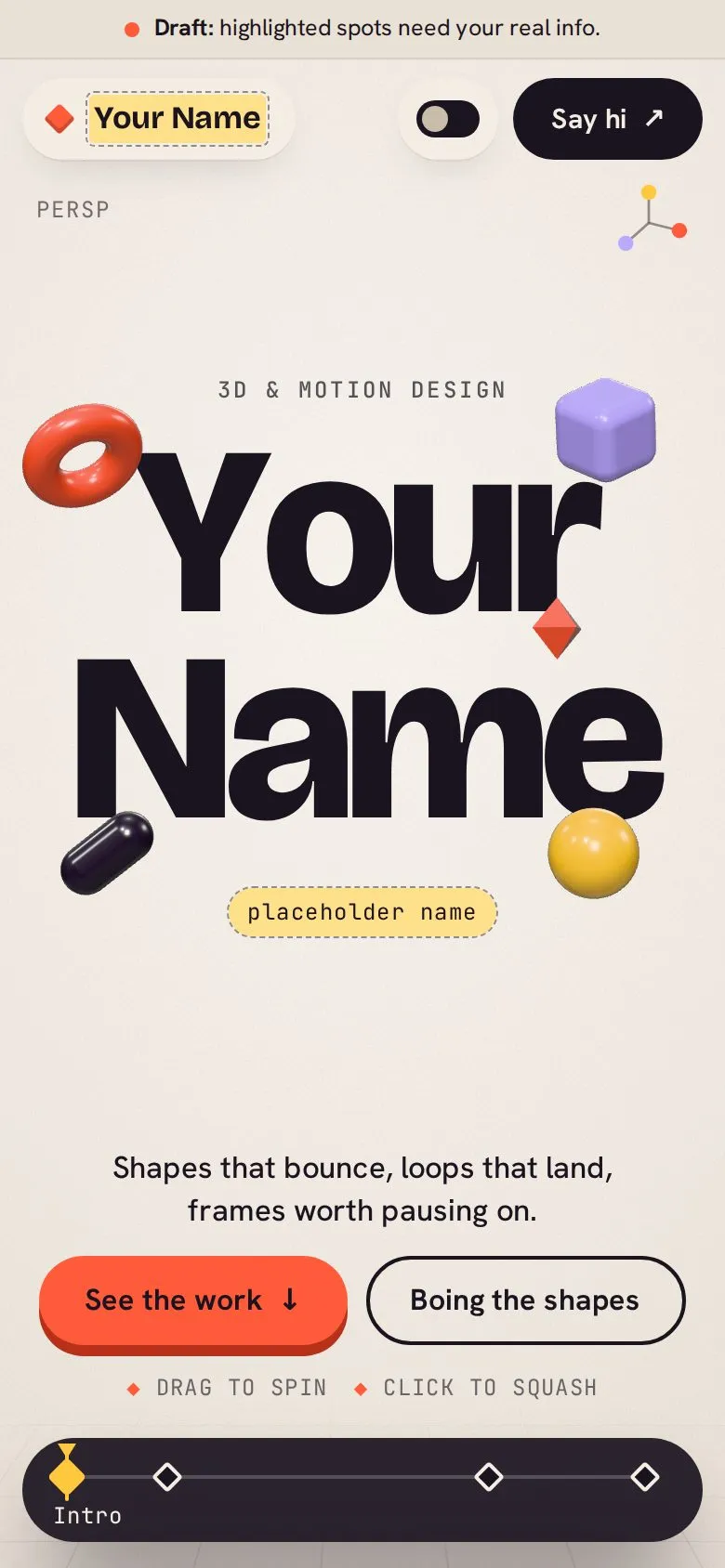
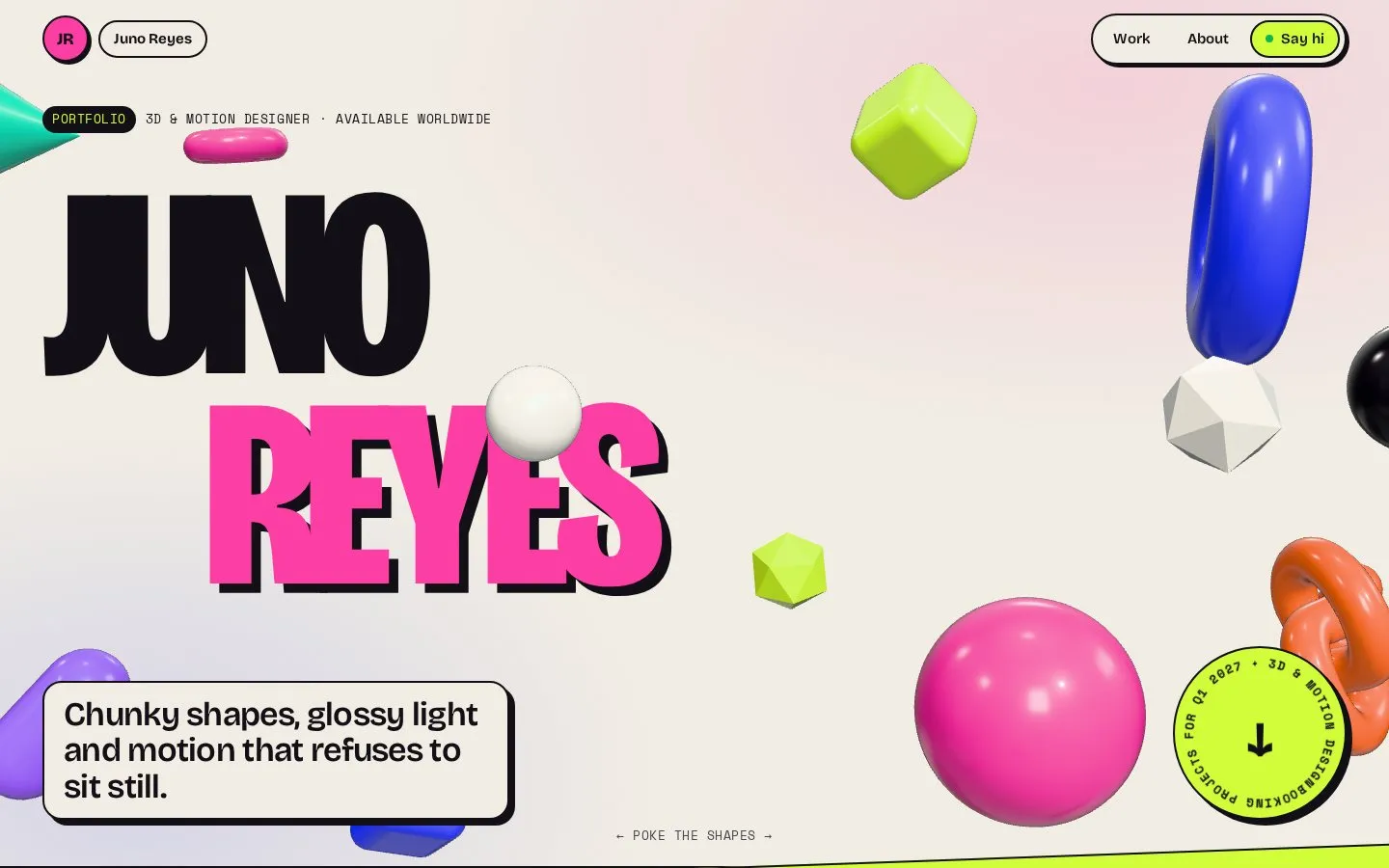
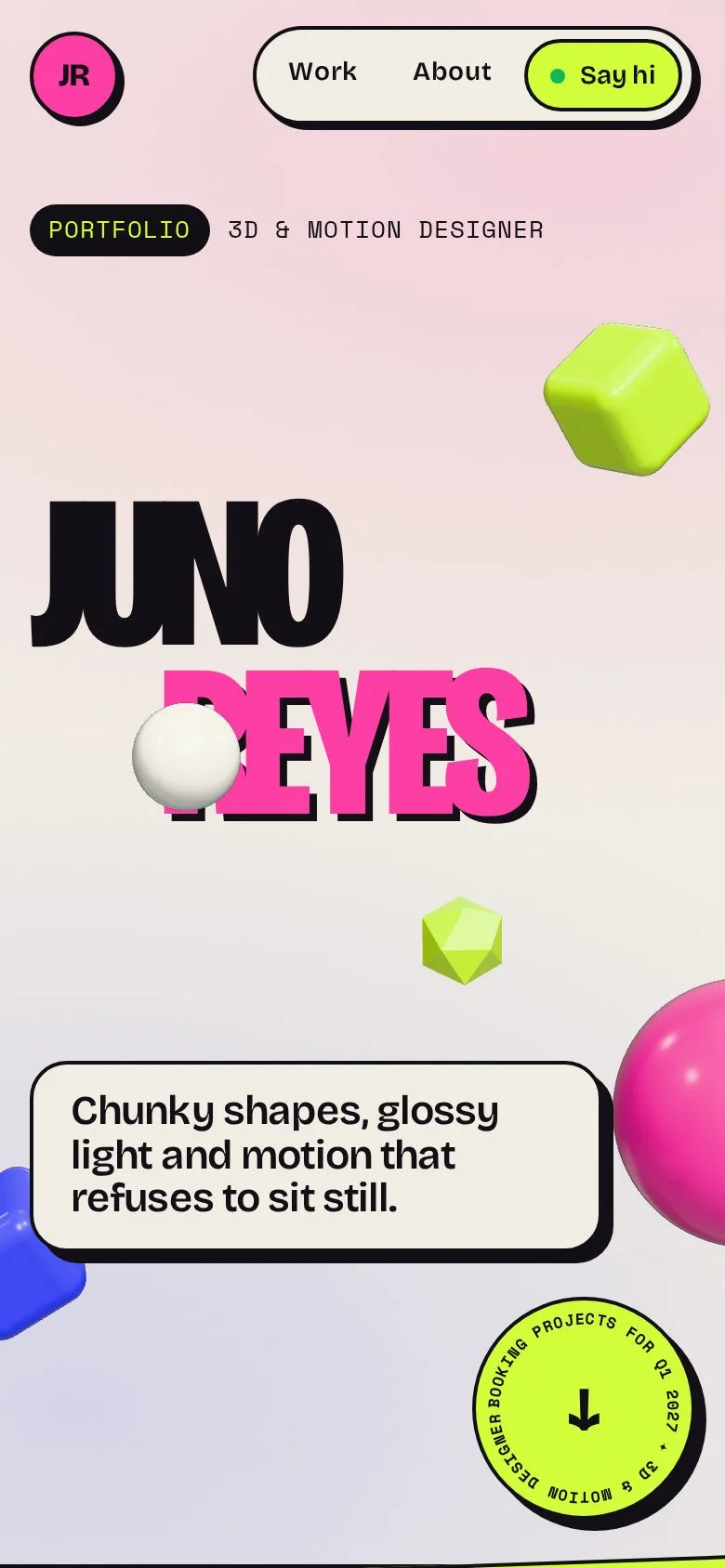
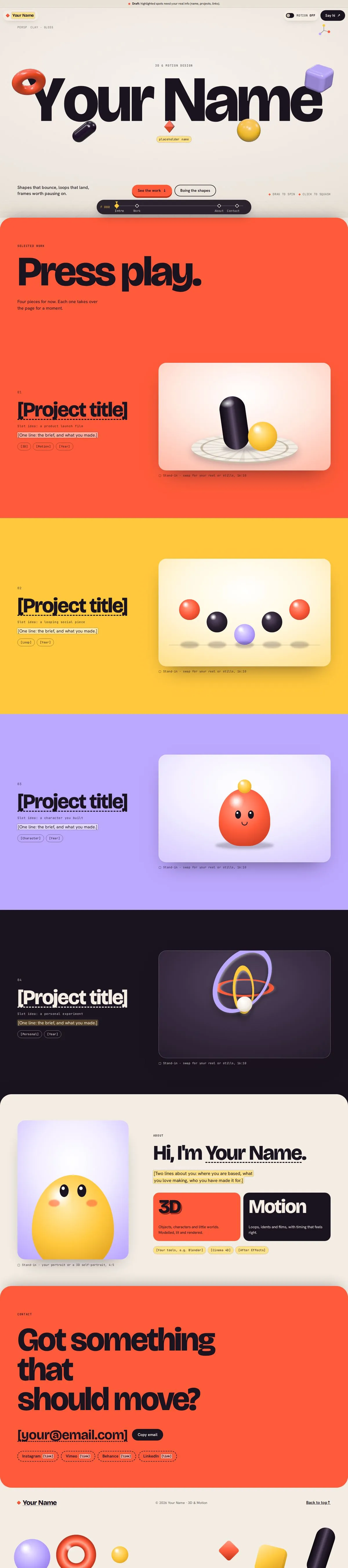
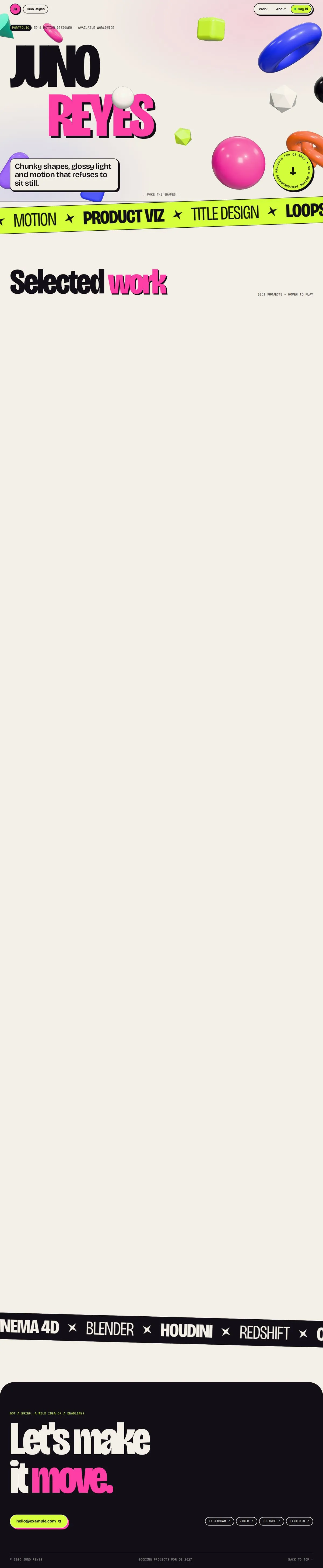
Screenshots show the first screen. Try it live runs the real build right here: scroll it, click it, poke it.
The prompt
“I do 3D and motion design. Can you make me a portfolio site?”
With the kit, it asked a few questions first. The answers: "Pop-y, showy, fun. I'll add real projects later. Use a placeholder for my name." The no-kit build shown here is from our first test, where the prompt itself asked for the same thing: a pop-y, showy 3D and motion portfolio, built properly so projects can be added.
same prompt, no kit
Nothing made up and nothing broken. The difference here is the design, so flip the toggle above and compare.
With the kit: nothing invented. Anything the prompt didn't give is marked as a gap to fill in.
the kit build’s own handover note
Your portfolio site is built and working. It’s a draft: your name, the projects, your bio, email and social links are all marked stand-ins until you send the real ones.
How it looks: it plays like a 3D viewport. The page is a warm clay-grey with near-black text, and coral, yellow and lilac as the colours of the shapes. I picked those from clay renders because you do 3D.
- Opening: your name is set huge, with five shiny clay shapes crossing it. You can drag a shape to spin it or click it to make it bounce. A button bounces them all at once.
- Work: a coral panel slides up over the opening. It then pins in place and moves through four projects as you scroll, and the page colour changes for each one (coral, yellow, lilac, dark).
- Until your work arrives: each project shows a small animated scene built in code, labelled as a stand-in. They are a turntable, a row of bouncing balls, a blinking character and spinning rings.
- About: a stand-in cartoon portrait plus two blocks, one for 3D and one for Motion.
- Contact: a big coral panel with a copy-email button. At the bottom of the page, shapes pop up from the edge as you arrive.
- Page timeline: a small bar fixed at the bottom works like an animation timeline. Each section is a keyframe you can click, and a playhead follows your scroll.
- Motion switch: in the top bar. It starts off for people whose computer is set to reduce motion. With motion off, everything still works: projects stack as full panels and clicking a shape changes its colour.
- Type
- Portfolio
- Tone
- Playful, full journey
- Field
- Creative
- Built in
- Claude, kit 1.1 (this prompt was rebuilt after the round-2 review)
- Kit version
- 1.1.0
- Compared with
- Plain Claude, no skills, from our first test (a longer prompt asking for the same thing)
Scroll it The whole page, top to bottom